Settings that are super important with the new overlay system:
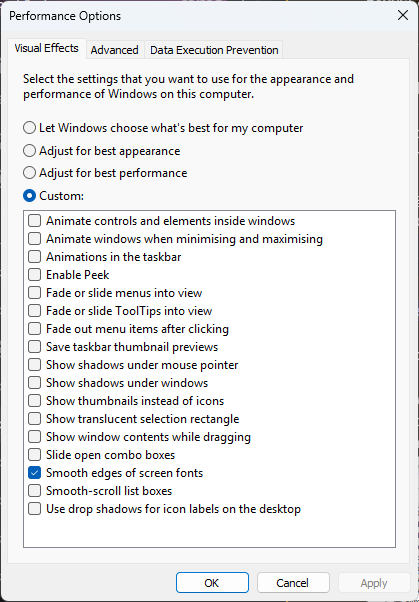
- HAGS (hardware accelerated graphics schedule) HAS TO BE ON NOW. Mandatory or you’ll have frame input latency.
- LATEST NVIDIA/AMD DRIVERS. NO OVERRIDE DLSS PRESETS.
- Transparency off, check screen.
- Avoid plugging on/off monitors during injection.
- Discord has to run as ADMIN no matter what.
- PowerShell MUST be run as administrator.
- DO NOT USE REFLEX, ULTRA OR ANY FREELAG INPUT MODE FOR NVIDIA/AMD, turn them off to avoid issues.
- GSync/Free sync are fine, just make sure it’s enabled for both Windowed/Fullscreen applications.
- We support any Windowed/Borderless resolutions. Fullscreen support is faulty and will crash.
- Make sure you don’t have Auto Replay/Clipping enabled. Auto clipping will destroy your GPU % usage and cause input lag and FPS loss. Below are common applications that cause these issues:
- NVidia
- Discord
- Steelseries
- NVidia