
The Battlefield Companion App is a mobile and web-based tool designed to extend the Battlefield experience beyond active gameplay. Instead of limiting player interaction to time spent inside live matches, the app allows players to stay connected to their Battlefield account, review important information, and manage key systems without launching the game itself. For many players, this creates a more flexible and informed way to engage with Battlefield on their own schedule.
At a practical level, the Battlefield Companion App supports gameplay outside of matches by providing visibility into player statistics, loadouts, progression, and account-level data. As Battlefield 6 continues to develop as a connected, live-service experience, companion tools like this help players stay informed between updates, events, and play sessions. Rather than replacing the core game, the app works alongside it as a support layer.
New and returning Battlefield players often feel confused about what the Companion App actually does, whether it is required, or how it connects to newer systems such as RedSec. Some assume it offers gameplay advantages, while others believe it is outdated or unnecessary. This guide is designed to clear up those misunderstandings. It will explain what the Battlefield Companion App is, outline its main features, clarify Battlefield 6 and RedSec support, and walk through real-world use cases so players can decide whether the app fits their playstyle.
What Is The Battlefield Companion App?
The Battlefield Companion App is an official Battlefield tool that connects directly to a player’s EA account and game data. Its purpose is to give players access to important information and management features without needing to be logged into the game client. Rather than replacing in-game menus, the app acts as a second screen experience that complements gameplay.
Through the Companion App, players can interact with Battlefield systems such as statistics, loadouts, and progression in a simplified, distraction-free environment. This is especially useful for players who want to review performance, plan loadouts, or track unlocks while away from their console or PC. The app is designed to support Battlefield gameplay outside of matches, not to alter or automate gameplay itself.
Key Features At A Glance
Before exploring individual systems in detail, it helps to look at a high-level snapshot of what the Battlefield Companion App offers. The table below summarizes the app’s primary purpose and supported features, helping new players quickly understand its role within the Battlefield ecosystem.
| Key Features | Battlefield Companion App |
| App Type | Mobile and web-based |
| Primary Purpose | Account visibility and preparation |
| Battlefield 6 Features | Stats, loadouts, progression tracking |
| RedSec Features | Mode-related stats and progression visibility |
This overview highlights that the app focuses on preparation and awareness rather than active gameplay interaction.
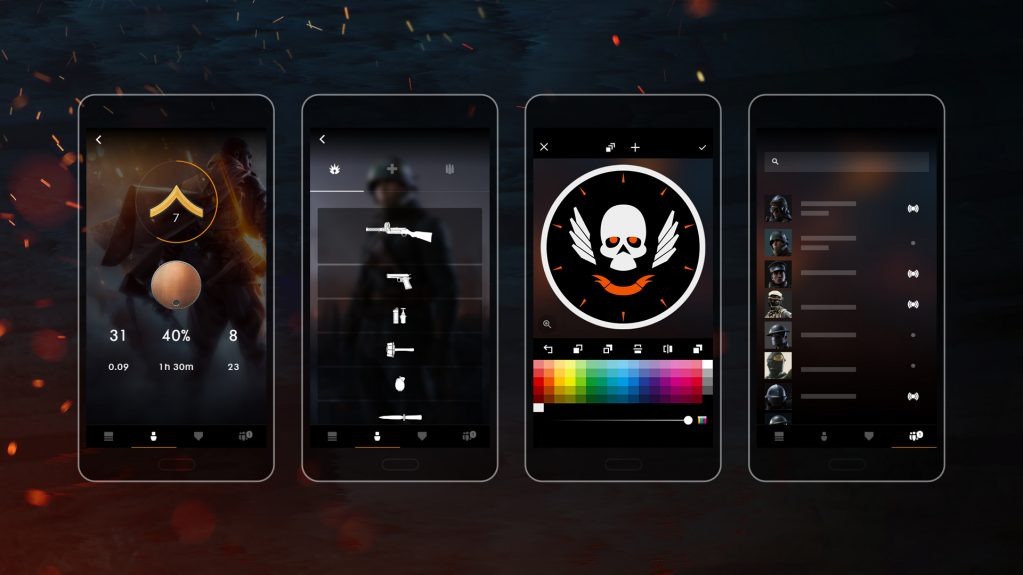
Battlefield Companion App Features Explained
The Battlefield Companion App is designed to support Battlefield gameplay outside of live matches by moving preparation and review tools into a separate, easy-to-access space. Instead of interacting with these systems during active gameplay, players can use the app to plan, reflect, and stay informed between sessions. This makes in-game time more focused and reduces time spent navigating menus.
A common point of confusion for new or returning players is whether the Companion App is required or whether it affects gameplay performance. It does neither. The app is entirely optional and does not provide competitive advantages. Its value lies in convenience, visibility, and preparation, especially within Battlefield 6’s live-service ecosystem where progression, updates, and long-term engagement matter.
In practical terms, the Battlefield Companion App complements Battlefield 6 by helping players prepare for matches before logging in, review progress after playing, and stay connected to account-level systems as the game evolves through updates and balance changes.

Player Statistics & Performance Tracking
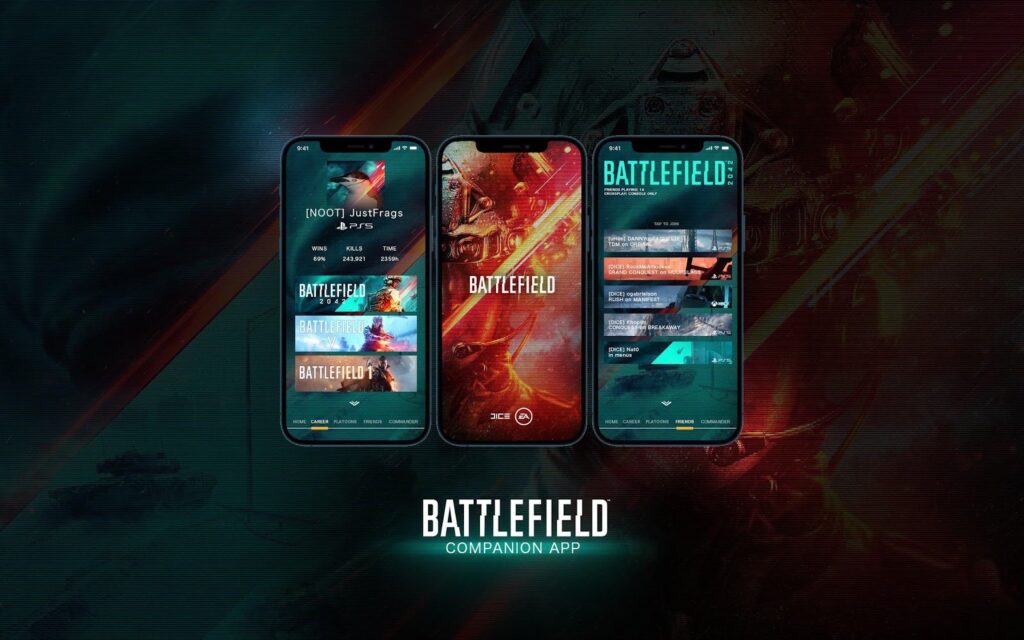
One of the most commonly used features of the Battlefield Companion App is player performance tracking. The app allows players to view their gameplay statistics outside of live matches, offering insight into how they perform over time rather than in isolated moments. Typical statistics include kills, deaths, weapon usage, accuracy trends, class performance, and recent match history.
Accessing this information outside the game helps players reflect without pressure. Instead of checking stats quickly between matches, players can review their performance calmly and identify patterns. For example, a player may notice that they perform better with certain weapon types or struggle in specific roles. While the Companion App should not be treated as a deep analytics platform, it provides enough information to support meaningful self-improvement.
This feature also helps newer players understand Battlefield’s pacing and learning curve. Seeing gradual improvement over time can be motivating, especially for players transitioning into Battlefield 6 or more complex modes like RedSec.
Loadout & Class Management
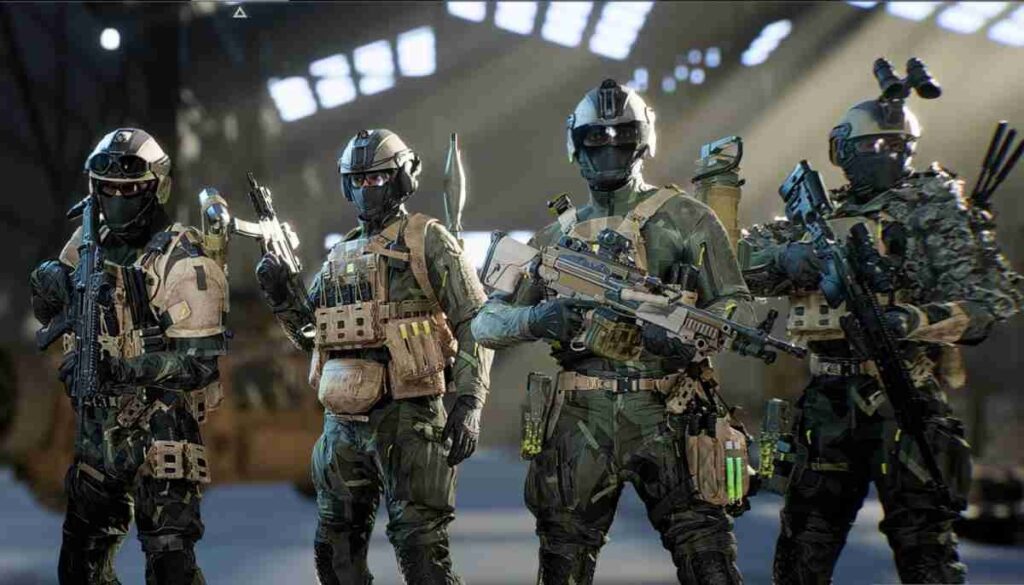
Loadout and class management is another area where the Battlefield Companion App provides practical value. Players can review weapons, attachments, gadgets, and class setups without being logged into the game. This allows them to think through their choices without the distractions of matchmaking timers or active combat.
For Battlefield 6 players, this feature complements in-game systems by encouraging preparation. New players can take time to understand available equipment, while experienced players can fine-tune their setups ahead of a session. Using the battlefield app in this way often leads to smoother matches, as players enter games with a clear plan instead of making rushed decisions.
Although loadouts are still finalized in-game, the Companion App serves as a planning tool that reduces confusion and saves time once gameplay begins.
Progression & Assignment Visibility
Progression systems in Battlefield can sometimes feel overwhelming, especially when unlocks are tied to multiple assignments or challenges. The Battlefield Companion App helps by making progression information easier to access and understand. Players can view assignments, unlock requirements, and progression milestones without navigating layered in-game menus.
This visibility allows players to set clear short-term goals. For example, a player may focus on unlocking a specific weapon, attachment, or cosmetic by tracking the exact requirements in advance. Understanding what actions contribute to progression helps players play with intention rather than guesswork.
For new and returning players, this clarity reduces frustration and makes Battlefield’s progression systems feel more approachable.

Squad & Group Related Features
Depending on platform and title support, the Battlefield Companion App may also include squad, platoon, or group-related features. These tools are designed to support social interaction and coordination outside of live matches, helping players stay connected with friends and regular teammates.
While solo players may not use these features frequently, coordinated groups often find value in managing squads or tracking group activity between sessions. This supports Battlefield’s long-standing emphasis on teamwork and community without forcing players to be online at the same time.

Who Should Use The Battlefield Companion App?
The Battlefield Companion App is most useful for players who enjoy preparation and visibility. Players who like reviewing statistics, planning loadouts, or tracking progression between sessions are likely to benefit the most. It is particularly helpful for players who engage with Battlefield regularly and want to stay connected even when they are not actively playing.
New players can use the app to better understand Battlefield systems at their own pace, while returning players may appreciate having a centralized place to review changes, progress, and performance. At the same time, casual players who prefer to jump in and play without managing systems outside the game may find limited value.
The key point is that the Companion App is a support tool, not a requirement. Battlefield remains fully playable without it
Is The Battlefield Companion App Actually Worth Using?
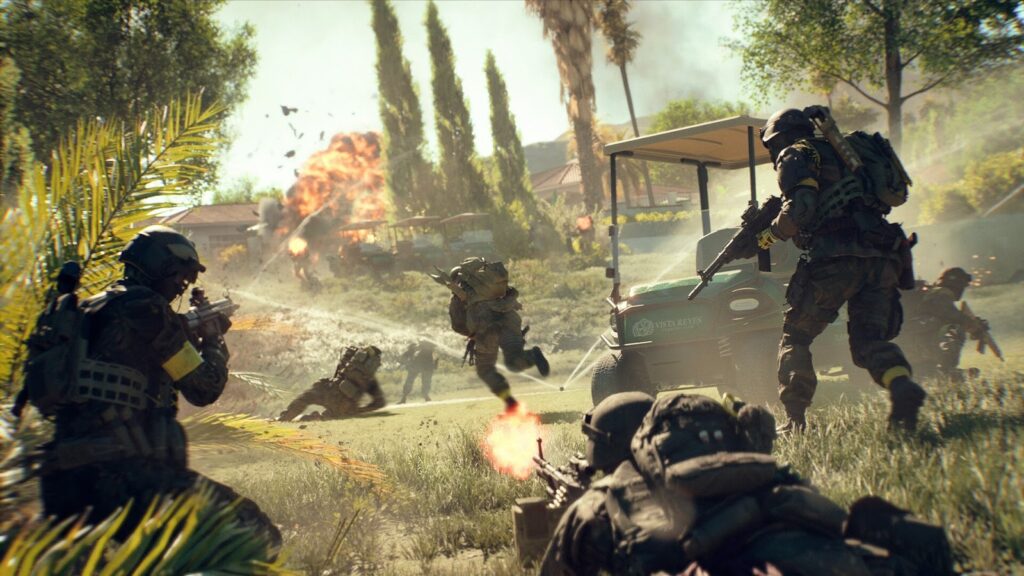
Whether the Battlefield Companion App is worth using depends largely on how a player approaches Battlefield. The app is not mandatory, and it does not provide gameplay advantages. However, it does offer clear benefits for players who value organization, preparation, and efficiency.
For Battlefield 6, the Companion App fits into the franchise’s broader move toward connected systems and account-level tools. It supports the live-service model by keeping players informed about their progress and performance across modes, including RedSec. Instead of replacing in-game systems, the app complements them by reducing friction and improving visibility.
Players who enjoy setting goals, tracking improvement, or preparing before matches are likely to find the Battlefield Companion App worthwhile. Those who prefer a purely in-game experience can safely ignore it without missing core content.

Battlefield Companion App FAQs
What is the Battlefield Companion App used for?
The Battlefield Companion App is used to view player stats, review loadouts, track progression, and stay connected to Battlefield systems outside of active gameplay. It supports preparation and awareness rather than live interaction.
Does the Battlefield Companion App support Battlefield 6?
Yes, the app is designed to complement Battlefield 6 by providing account-level visibility, performance tracking, and progression support that aligns with the game’s live-service systems.
Is the Battlefield Companion App free?
The Battlefield Companion App is free to use and connects through an EA account. There are no paid features required to access its core functionality.
Can you manage loadouts using the Battlefield app?
Players can review and organize loadouts through the Battlefield application, making it easier to plan class setups before entering matches.
How does the Battlefield app connect to RedSec?
The app supports RedSec by displaying relevant stats and progression tied to the mode, helping players track performance and long-term progress across Battlefield systems.